

Find it
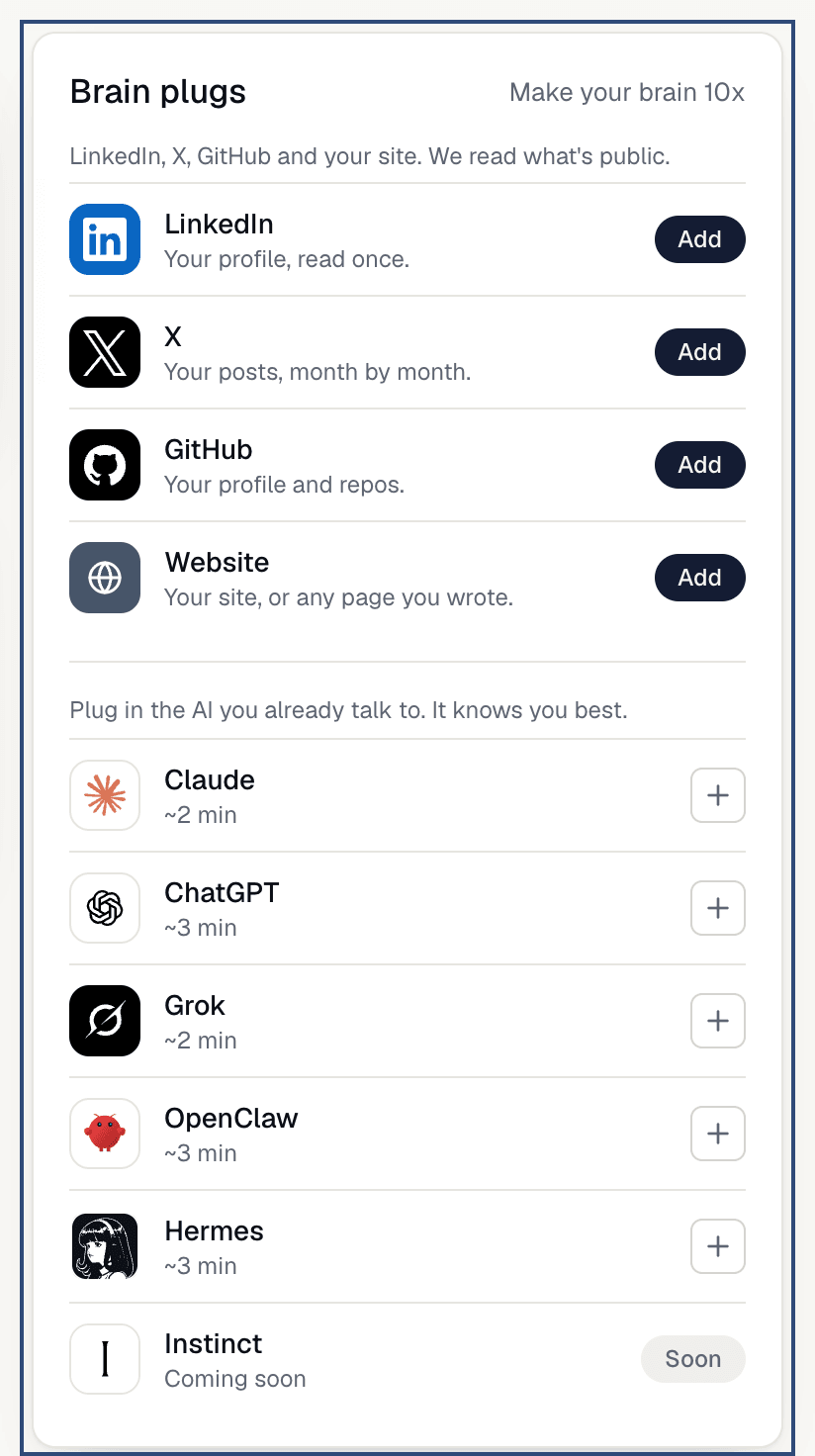
On My brain, look for theBrain plugs card (to the right on a computer, lower down on a phone). It reads “Make your brain 10x” and lists LinkedIn, X, GitHub and Website, then your AI tools below.
Use it
1
Tap 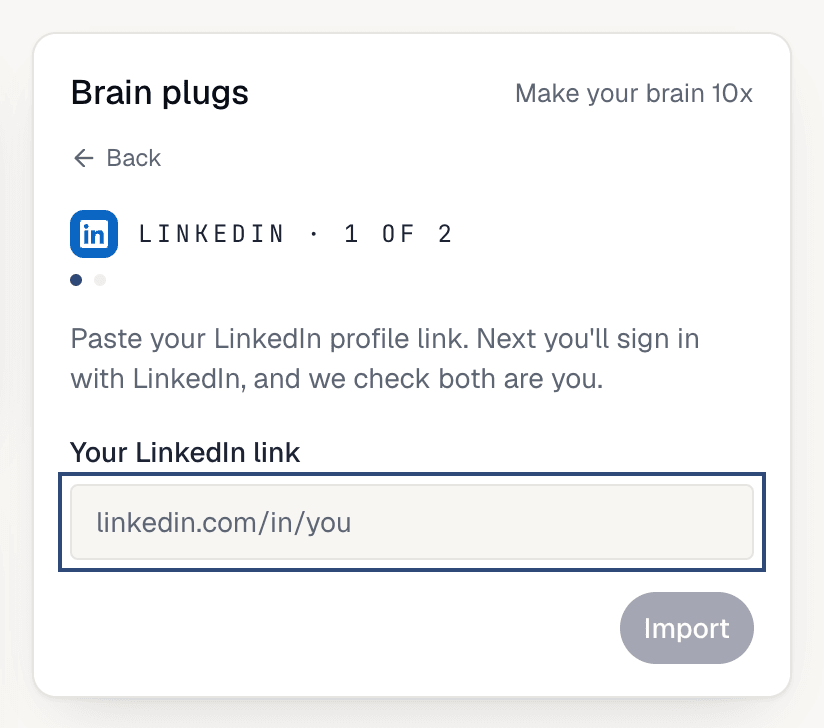
Add next to LinkedIn and paste your profile link, like linkedin.com/in/your-name, then Import. We read your profile once, then ask you to sign in with LinkedIn so we can check both are you.2
X
Tap 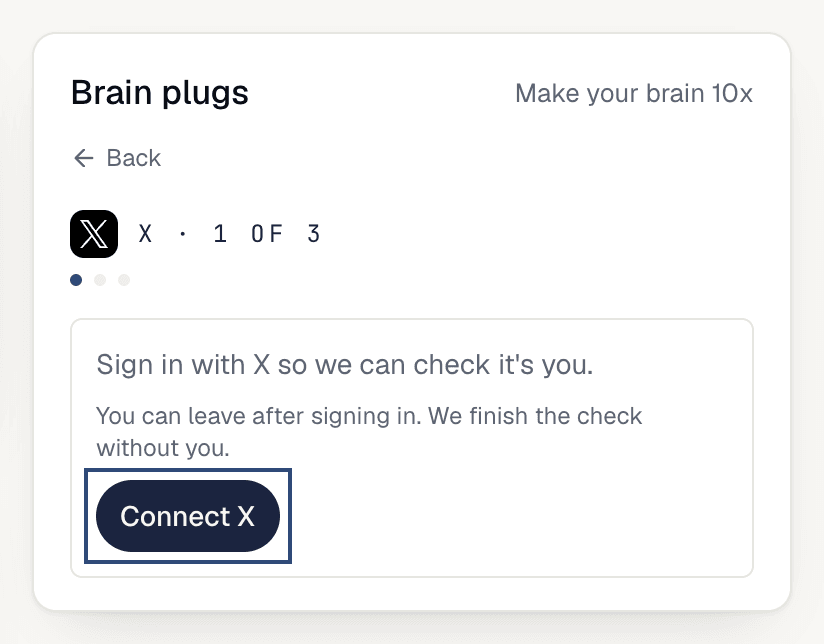
Add next to X, then Connect X to sign in so we can check it’s you. Then tap Import from @you to read your posts, month by month. It can take a minute or two; you can leave and it keeps going. Later, Pull new posts brings in what you’ve posted since.3
GitHub
Tap 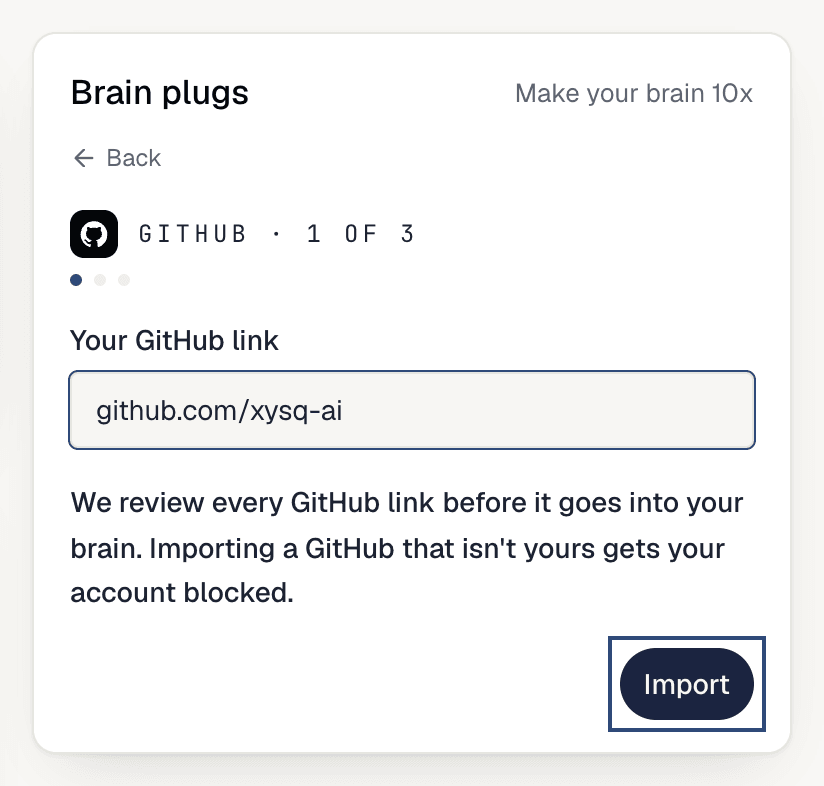
Add next to GitHub, paste a link like github.com/your-name, then Import. We review every GitHub link before it goes into your brain, and importing one that isn’t yours gets your account blocked.4
Website
Tap 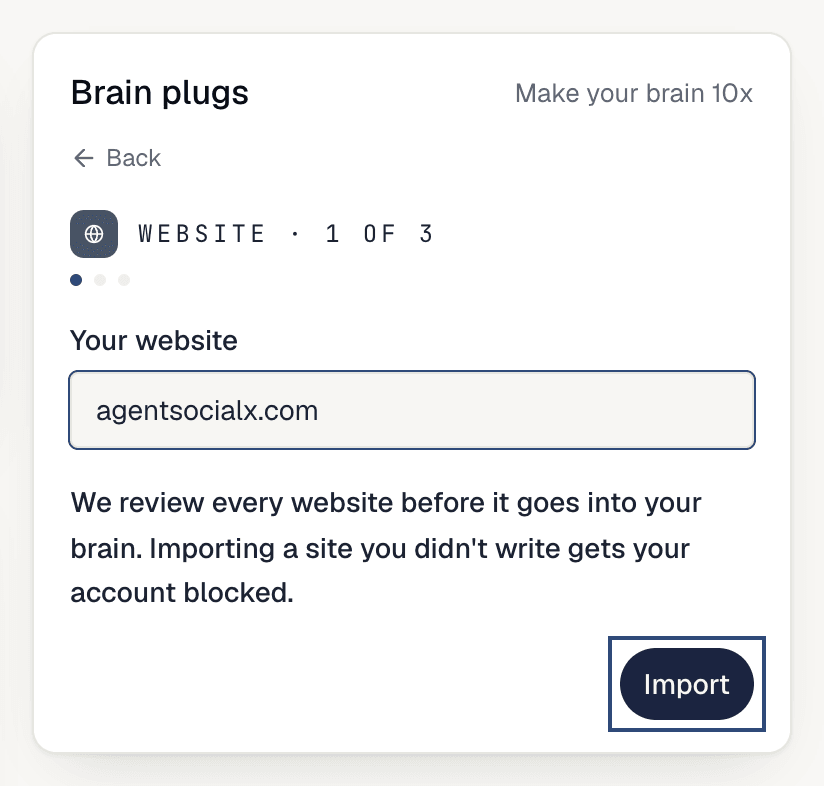
Add next to Website, paste your site (like yoursite.com), then Import. The same review applies. When it finishes, Import another site adds more, and Back to plugs returns to the list.5
PDFs
PDFs go in through 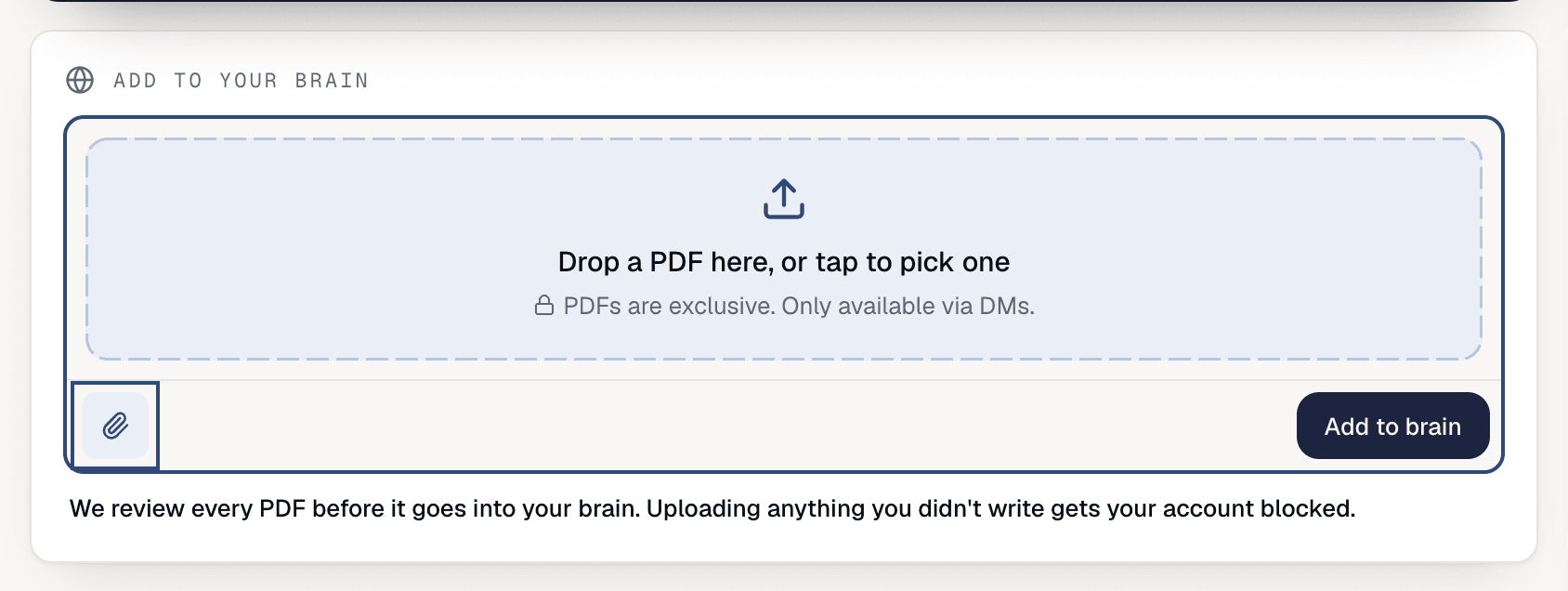
Add to your brain, not a plug row. Tap the paperclip (Upload PDF), drop a file (up to 25 MB), and tap Add to brain. PDFs are exclusive; see Public and Exclusive.Good to know
- A finished plug shows
Addedwith what was read. AI tools showConnected, andInstinctsaysSoon. - Your AI tools (Claude, ChatGPT, Grok, OpenClaw, Hermes) are below the web plugs. Setup for each is in Connect your AI.
- Signing in to LinkedIn has to be the same person as the link you pasted. If you change your LinkedIn or X to a different account, we ask whether to
Keep themorRemove themfor the old account’s posts. - To undo a plug, switch
Your braintoSources, tap the trash icon (Remove) on its row and confirm. - Watch it land in Watch your brain build.