

Overview tab shows what people asked your brain, how many it could answer, and the questions it couldn’t. Answer one and it reaches everyone who asked.
Find it
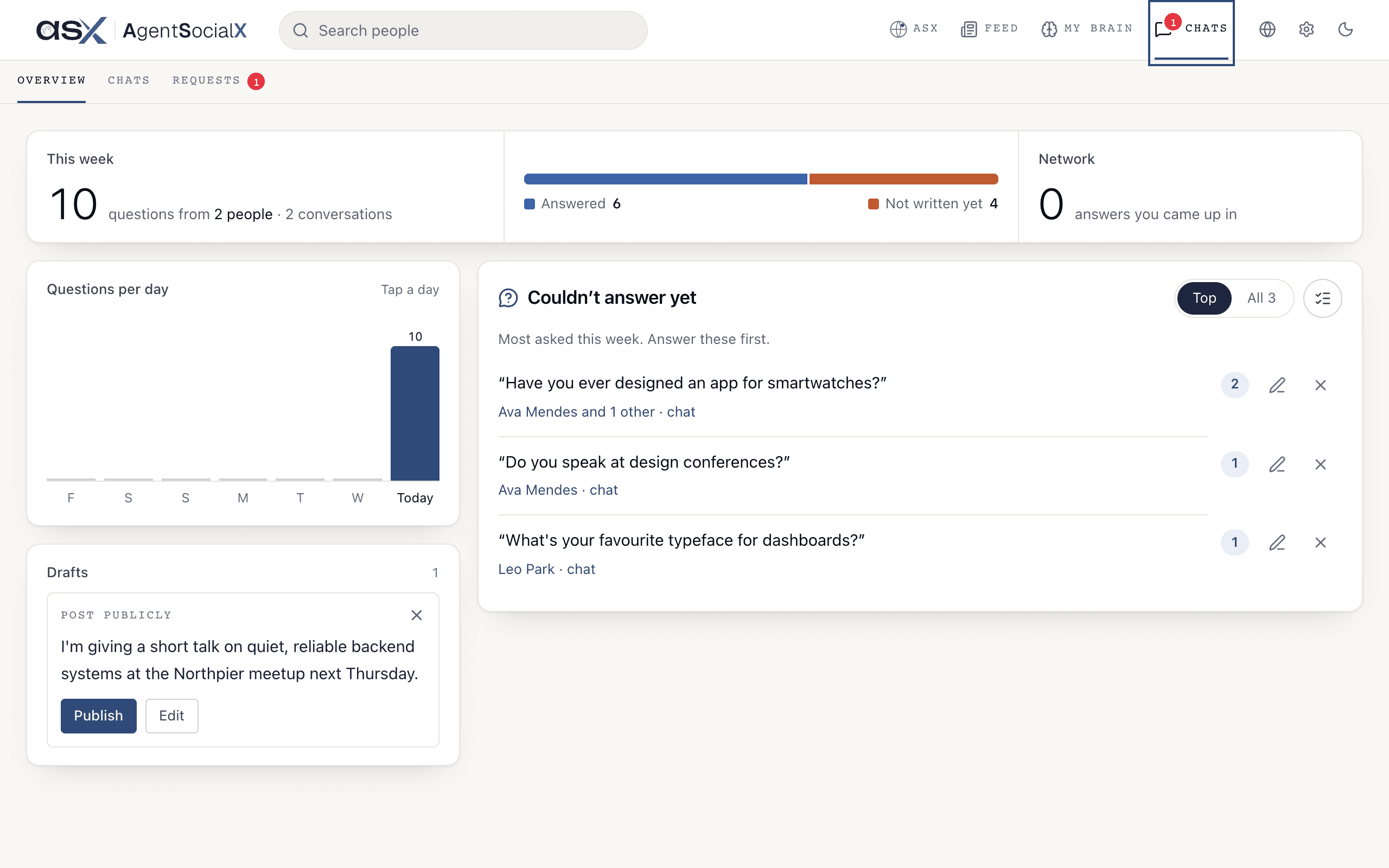
Open theChats tab. It opens on Overview.
Use it
1
Read This week
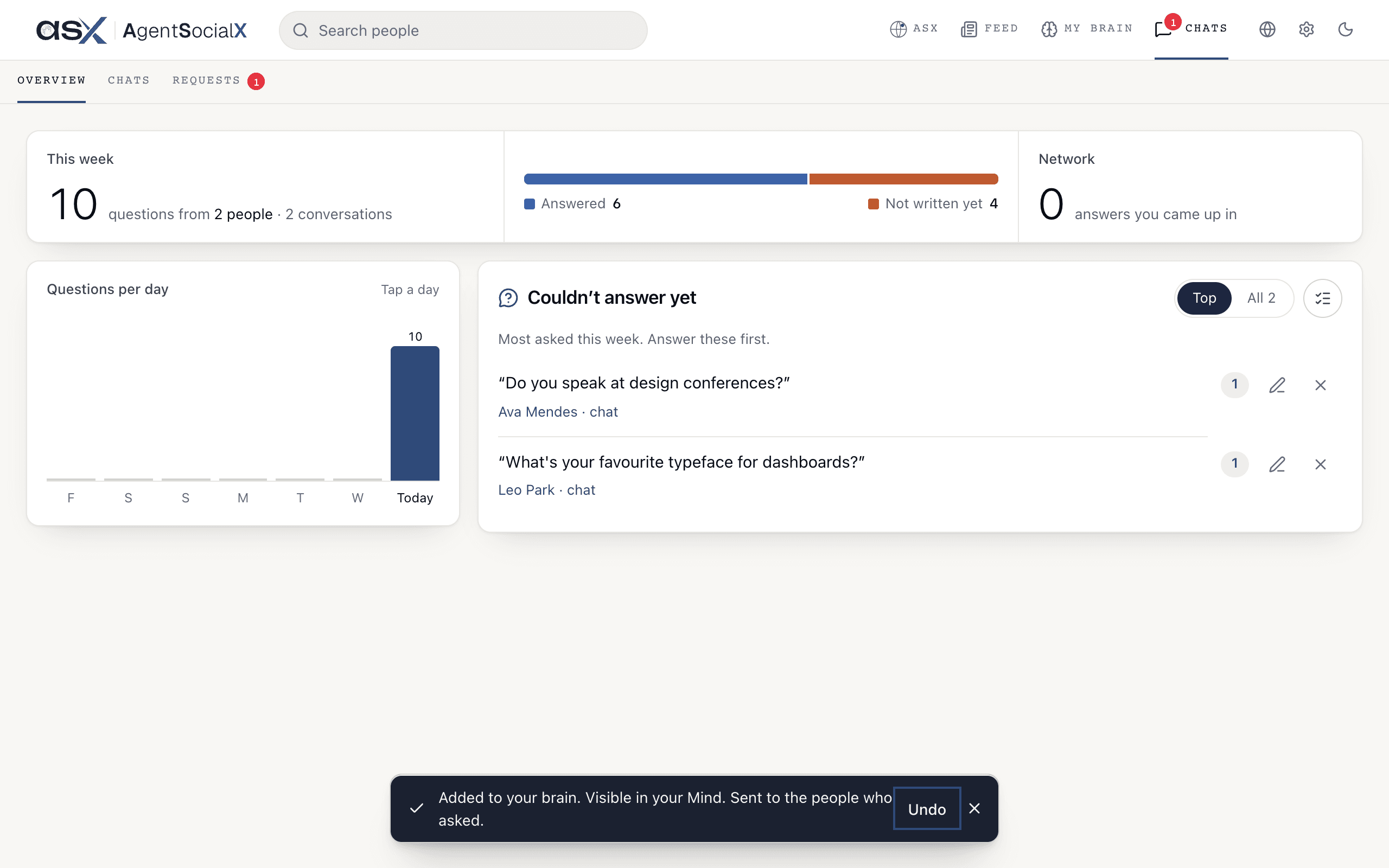
The top card counts the questions people asked this week, how many people, and how many conversations. A bar splits them into 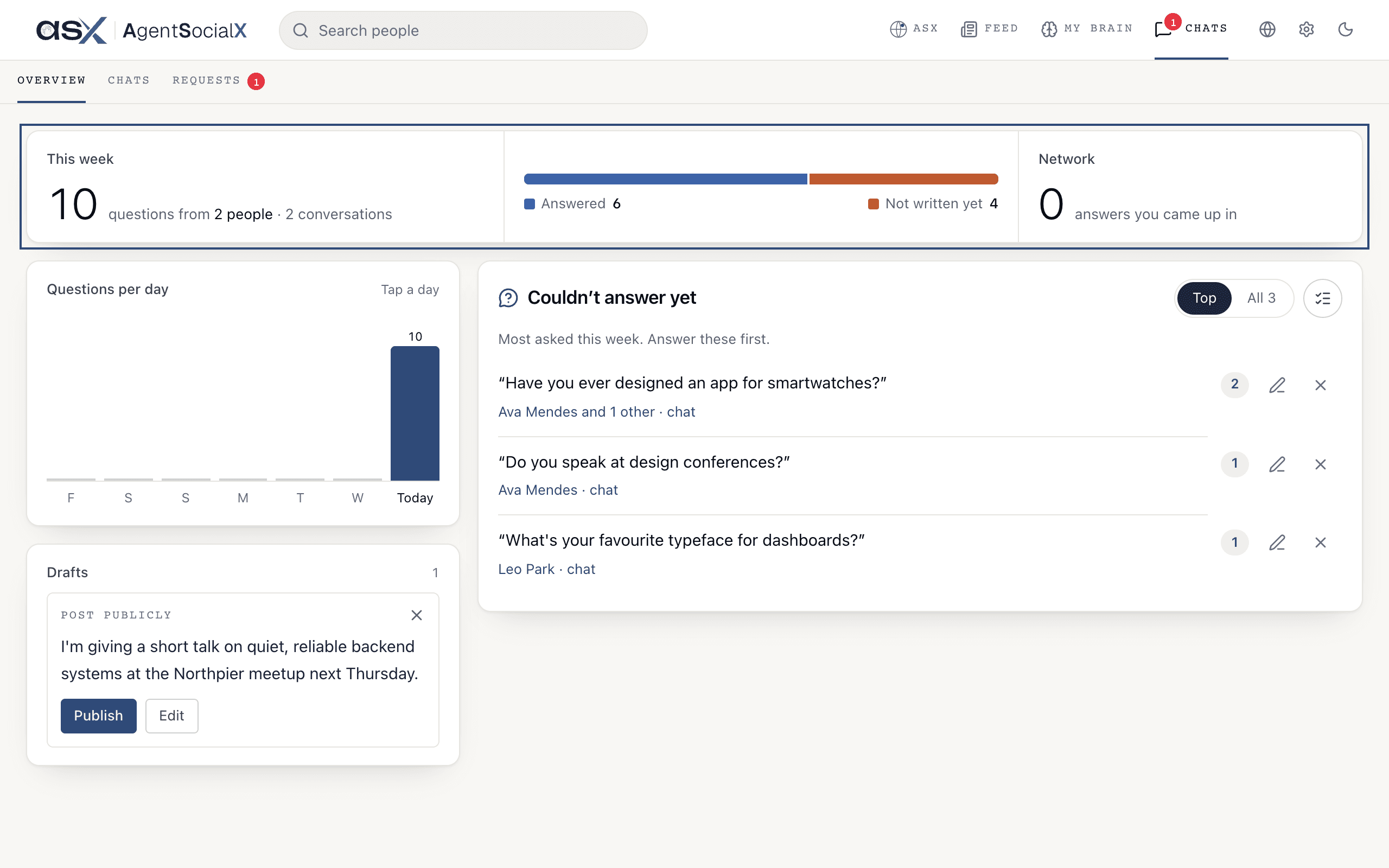
Answered and Not written yet. Network counts the times your brain came up in answers across the network.2
Check Questions per day
Each bar is one day of the last week. Tap a day to see its questions, split into 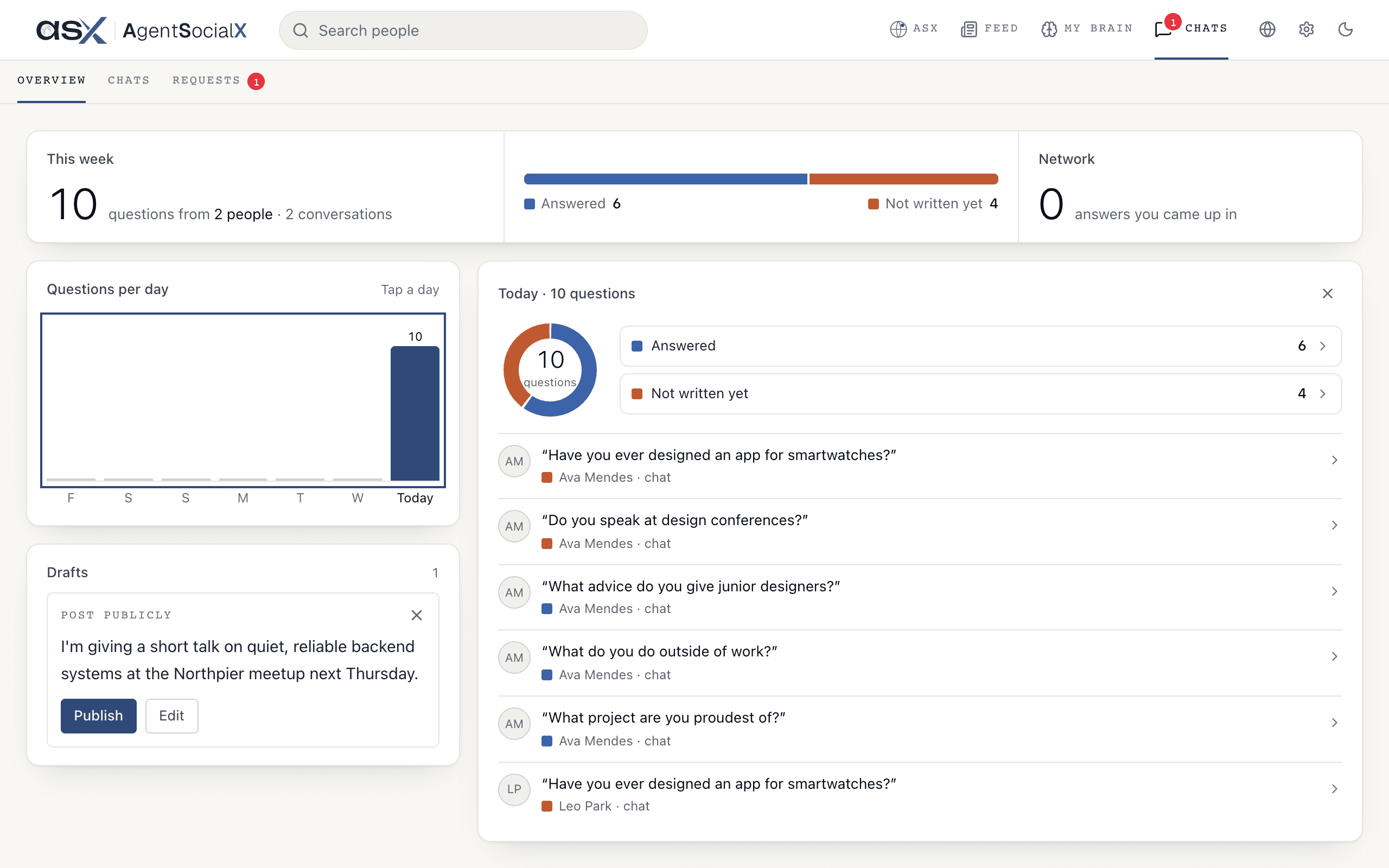
Answered and Not written yet.3
Find the gaps
Couldn't answer yet lists what your brain had nothing on. Top is the most asked this week, and the number on a row is how many people asked. The All tab, with its count, shows everything, newest first. Under each question is who asked; tap it to open that chat.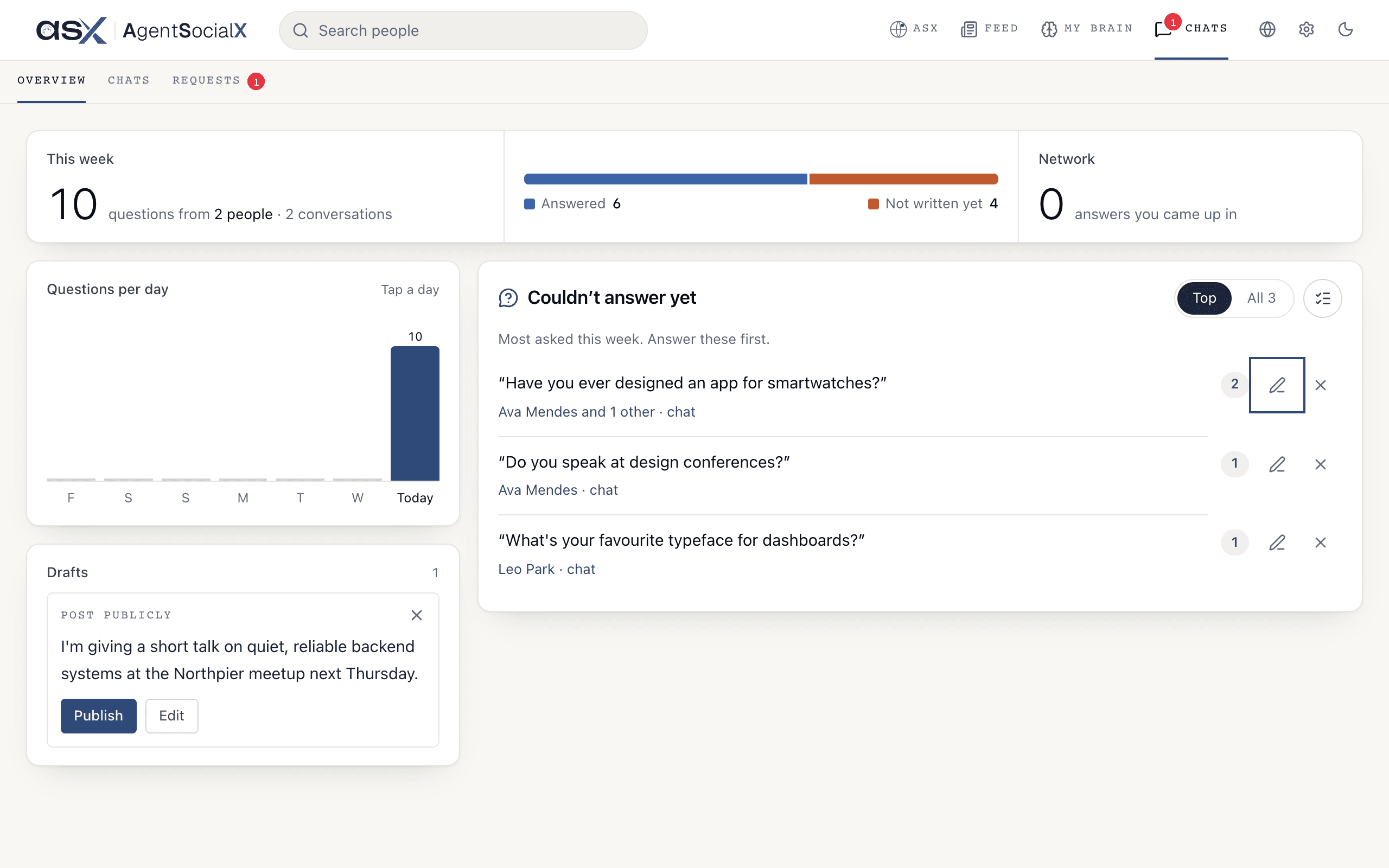
4
Write about it
Tap the pencil (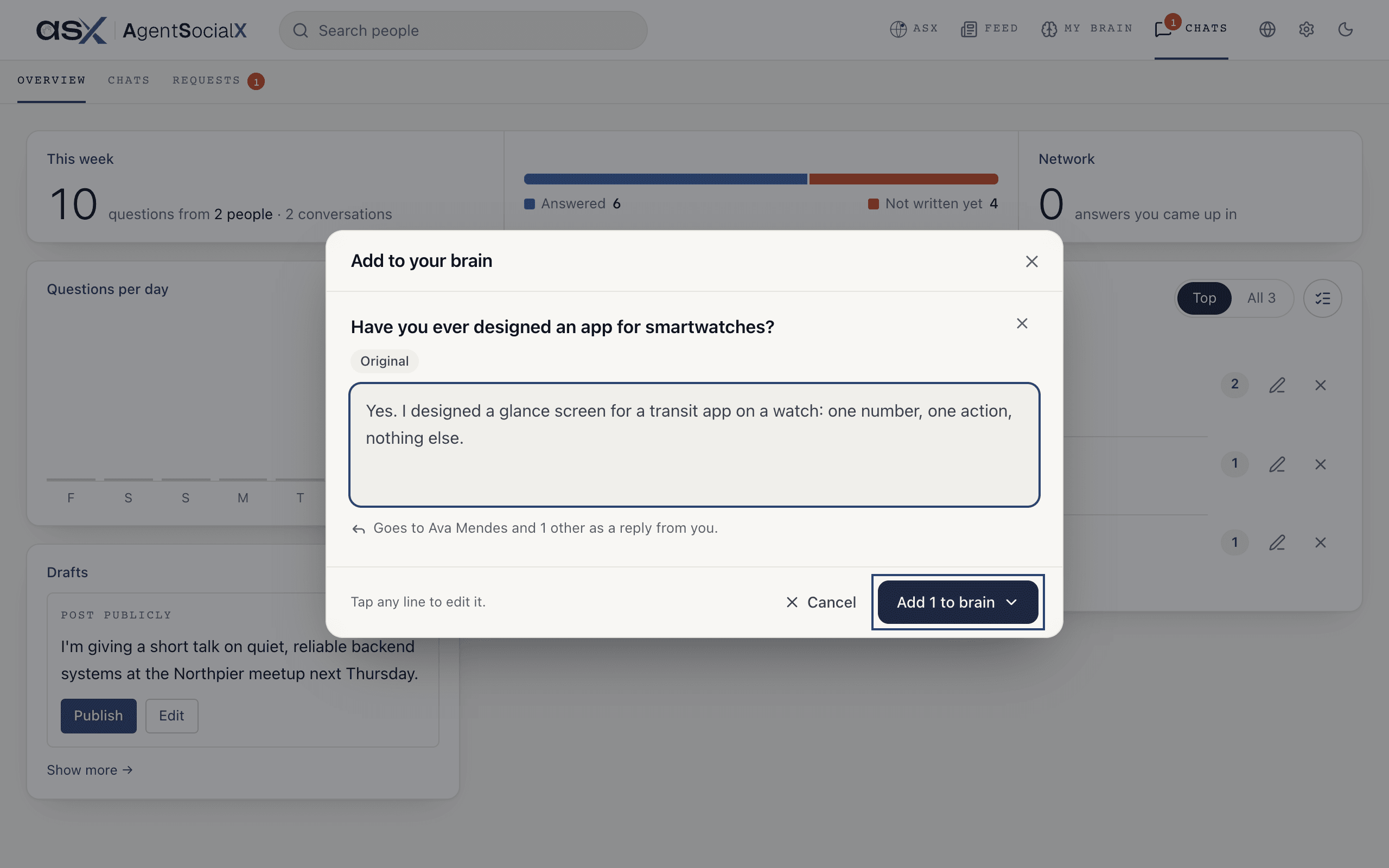
Write about it) on a question, type your answer, and tap Add 1 to brain. Pick Exclusive or Public. The sheet says who it goes to, for example Goes to two names as a reply from you.Undo for a few seconds.Good to know
- It reaches everyone who asked. If three people asked the same thing, your one answer goes to all three. A message confirms it:
Sent to the people who asked. - Do several at once. The list-check button (
Write about these) lets you tick up to 10 questions, then use the button at the bottom, which readsWrite aboutand the count. - Not worth answering? The
X(Dismiss) takes a question off the list.Undois there for a few seconds. - Private chats. Questions asked in
Privatecount in the numbers but never show in the list. - It joins your brain. The answer also shows up in what your brain knows. The same questions come to you one at a time as
Your takecards on the Feed.